A small cuckoo clock that lives on your Mac desktop.

Getting started
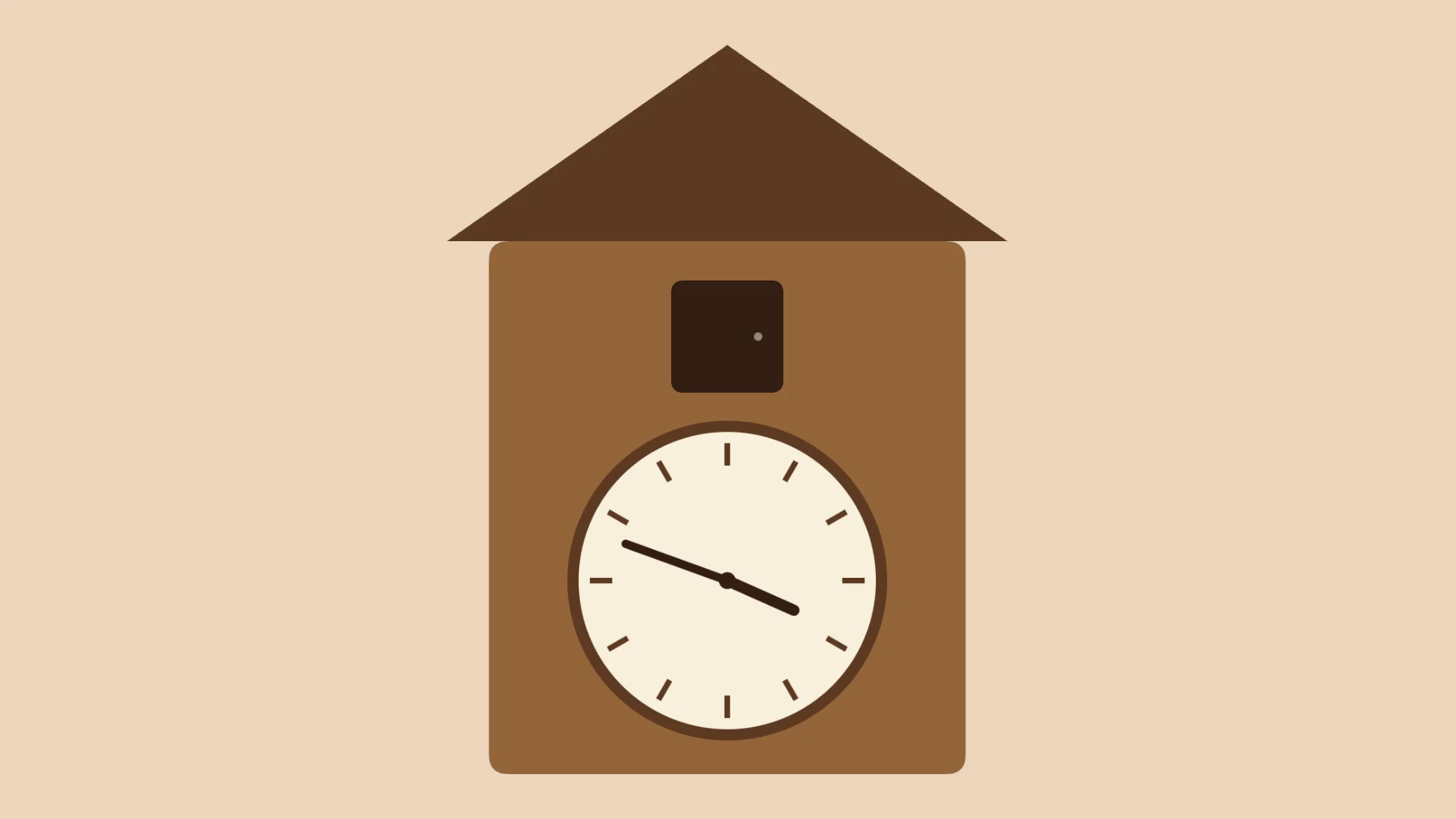
When you open the app, the clock appears on your desktop. Drag the window to place it wherever you like.
To change the size of the clock, use Size in the Window menu and choose 1×, 2× or 3×.
The clock stays above other windows by default. To turn this off or on, use Always on Top (⇧⌘T) in the Window menu, or double-click the clock.
How it works
On the hour, the bird comes out and calls once for each hour. On the half hour, it calls once.
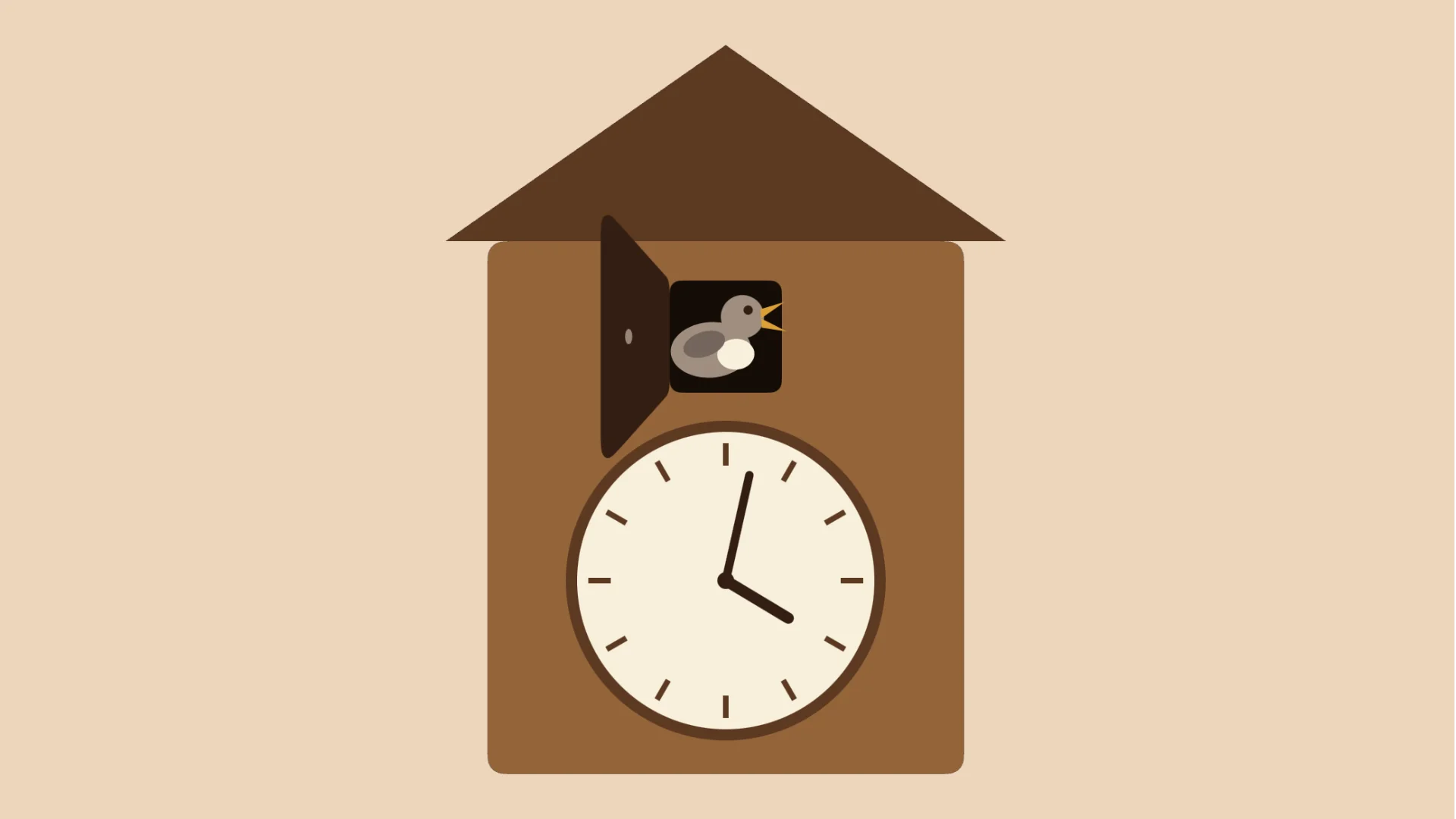
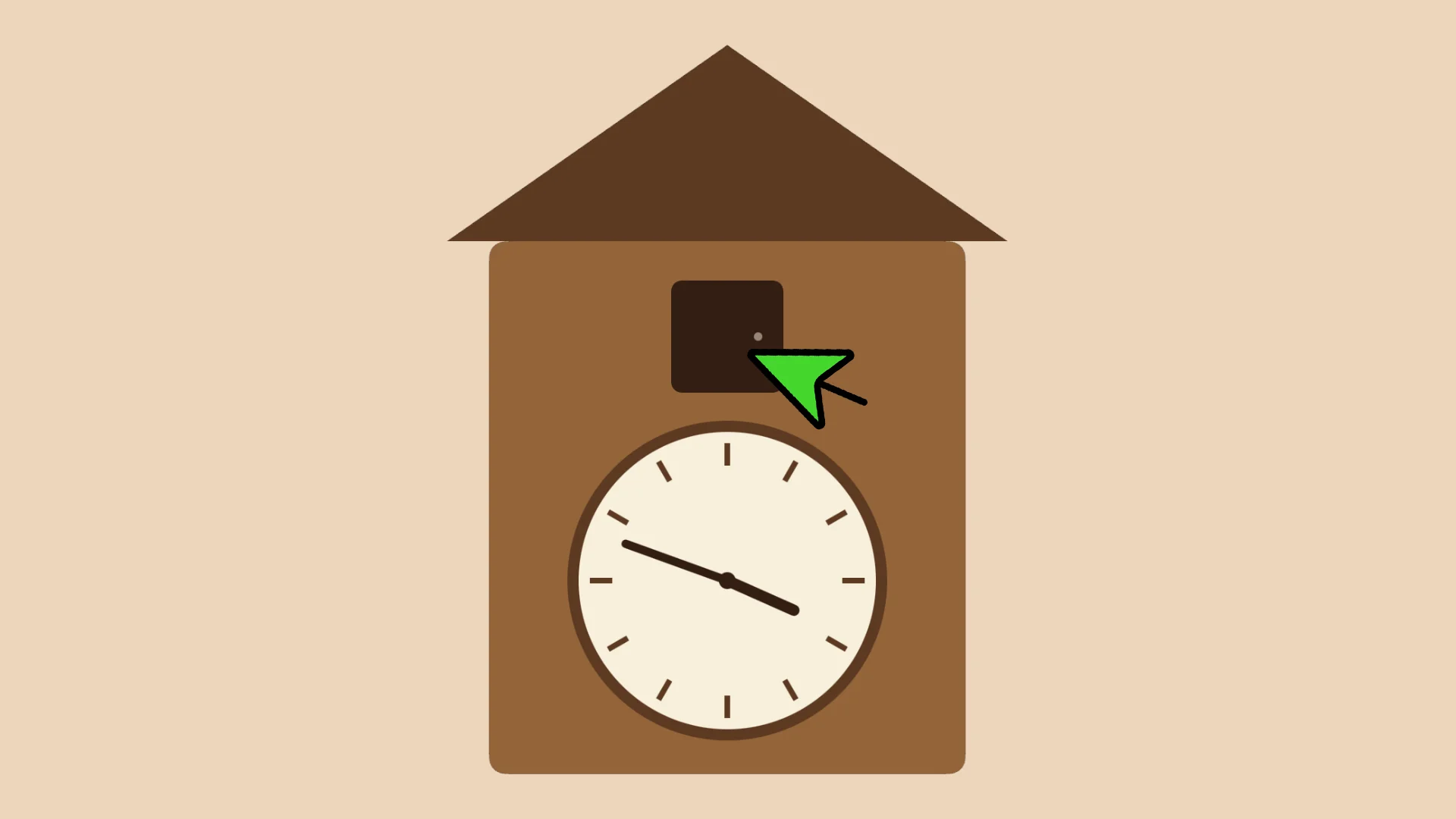
Click the small window on the house to make it call at any time.
Mute
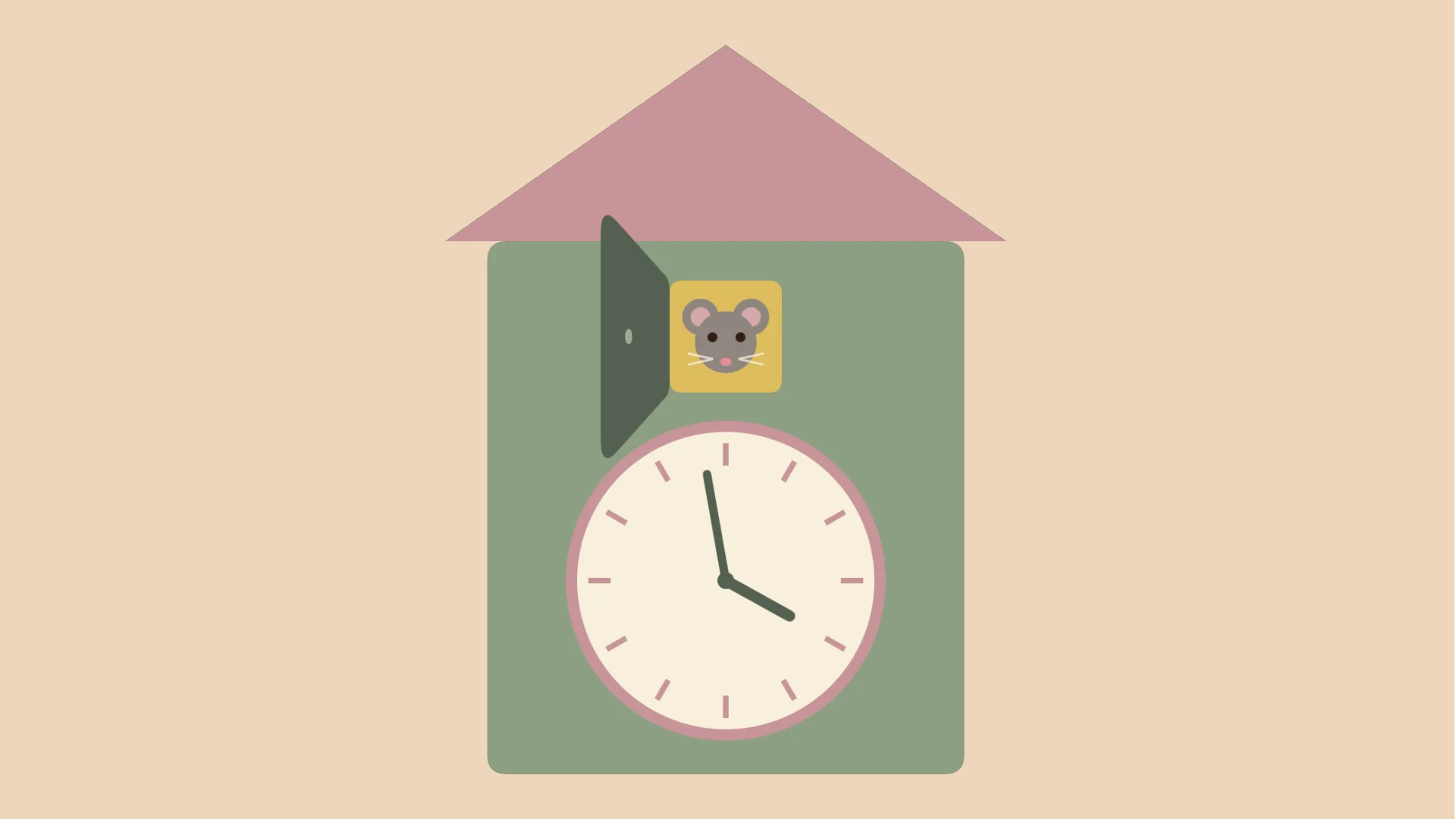
Use Mute (⇧⌘M) in the Window menu. While muted, the door stays open, a mouse moves in, and the colours change. Click the small window and the mouse squeaks once for each hour.
Quiet hours
Quiet hours are off by default. You can turn them on in Settings (⌘,) and choose the hours yourself. During quiet hours the bird still comes out, but stays silent.
Contact
Replies may take a few days.
Privacy
This app does not collect any data. See the Privacy Policy.
© 2026 M.K. Flint